

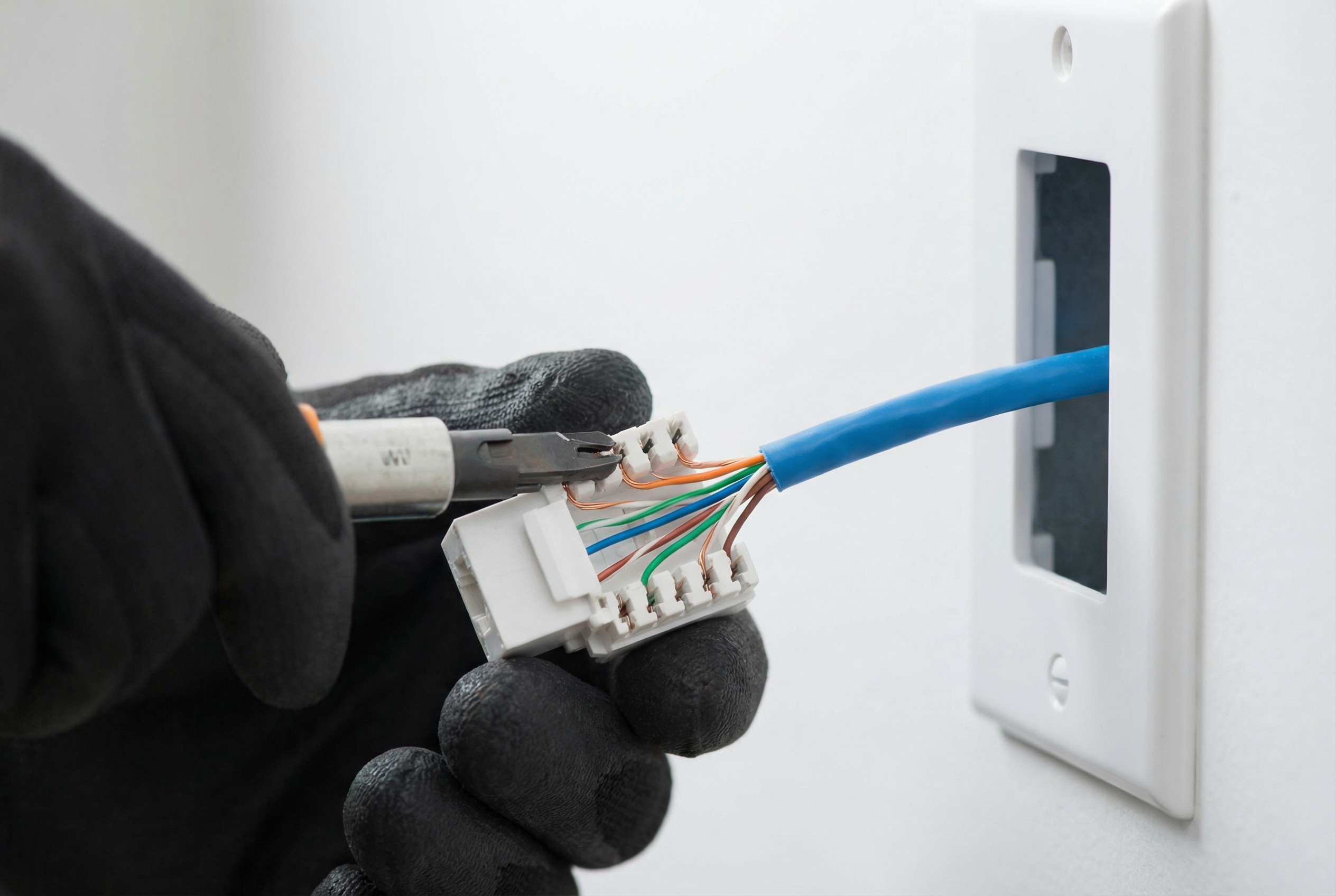
Most businesses only think about cabling twice: when they move in, and when something stops working. In between, the cable sits in the ceiling doing its job and nobody gives it much thought. That works until an upgrade is on the table. New Wi-Fi access points, more security cameras, a VoIP rollout or a growing team can all push an old installation past what it was designed to carry. At that point, the choice of cable matters more than the brand of switch you plug it into.
Here is a practical way to think about the three options most offices end up weighing.
Start with what the cable actually has to carry
Before comparing categories, list what will sit at the end of each run. A desk phone and a desktop PC have modest needs. A Wi-Fi 6E or Wi-Fi 7 access point is different. Many current models ship with 2.5 or 5 gigabit uplink ports and draw their power over the same cable through Power over Ethernet (PoE). Security cameras, door controllers and some digital signage run on PoE as well.
That matters because PoE adds heat. When dozens of powered cables are bundled together through a ceiling, the temperature inside the bundle rises, and heat increases signal loss. Larger, better-built cable copes with this more comfortably. So the question isn’t only “how fast?” It’s also “how much power, and how many runs side by side?”
Cat6: the sensible default for most desks
Cat6 is rated to 250 MHz and comfortably supports gigabit Ethernet over the standard 100-metre channel. It can carry 10 gigabit too, but only over shorter distances, typically up to about 55 metres and less in crowded bundles. For workstations, printers, phones and most cameras, Cat6 is more than enough. It is also easier to work with than its bigger sibling: thinner, more flexible and quicker to terminate.
If your office is mostly people at desks using cloud applications, Cat6 to each workstation is usually the most cost-effective choice.
Cat6A: worth it where the network is heading
Cat6A doubles the rated frequency to 500 MHz and supports 10 gigabit over the full 100 metres. It is also better at rejecting interference from neighbouring cables, which is why it is popular for access points, ceiling-mounted cameras and anything drawing higher PoE loads.
The trade-offs are real, though. Cat6A is noticeably thicker and stiffer. It fills cable trays and conduit faster, needs a wider bend radius and takes longer to terminate properly, so both material and labour cost more. Many installers end up recommending a mix: Cat6 to the desks and Cat6A to wireless access points and other high-demand locations. Ceiling runs to access points are the hardest ones to replace later, so putting the better cable there now is cheap insurance.
Fibre: for backbones, distance and multiple floors
Copper Ethernet tops out at 100 metres per channel. Once you need to connect a second telecom closet, another floor or a separate building, fibre becomes the practical answer. It isn’t affected by electrical interference, it carries far more bandwidth than copper, and it can run hundreds of metres (multimode) or many kilometres (single-mode) without extra equipment in between.
Most offices don’t run fibre to individual desks. Instead, fibre forms the backbone between the main equipment room and secondary closets, while copper handles the last stretch to each device. If you occupy more than one floor of a building, a fibre backbone with a few spare strands is usually money well spent.
Don’t forget the rules for where cable can go
In many commercial buildings, the space above the ceiling tiles is part of the air-return system. Cable run through that space has to carry the right fire rating, which in Canada means FT6 (plenum-rated) jackets. Riser shafts and other areas have their own requirements, with FT4 being common. Plenum-rated cable costs more, and a quote that looks suspiciously cheap sometimes assumes a lower-rated jacket. Ask what is specified, and check your landlord’s building standards before any work starts.
A quick decision guide
- Mostly desks, phones and printers on a single floor: Cat6 throughout.
- New Wi-Fi, more cameras or heavy PoE use planned: Cat6A to access points and cameras, Cat6 to desks.
- Multiple floors, closets or buildings: a fibre backbone between equipment rooms, with copper from each closet to the devices.
- Planning to stay ten years or more: lean toward the higher spec anywhere walls and ceilings will be hard to reopen.
Plan for the cable you will need in five years
The cable itself is a small part of what an installation costs. Most of the expense is labour: opening ceilings, pulling runs, terminating, testing and labelling. That is why it rarely makes sense to save a few dollars per run on a lower category if it means repeating the whole job when the next round of equipment arrives.
Whichever route you choose, insist on proper testing and documentation at the end. A good installer will hand over test results for every run and a clear record of where each one goes. If you are planning an upgrade and want a second opinion on the right mix, talk to a team that handles the kind of network cabling Toronto offices rely on every day. That way the recommendation is based on your actual floor plan, not a generic spec sheet.
